
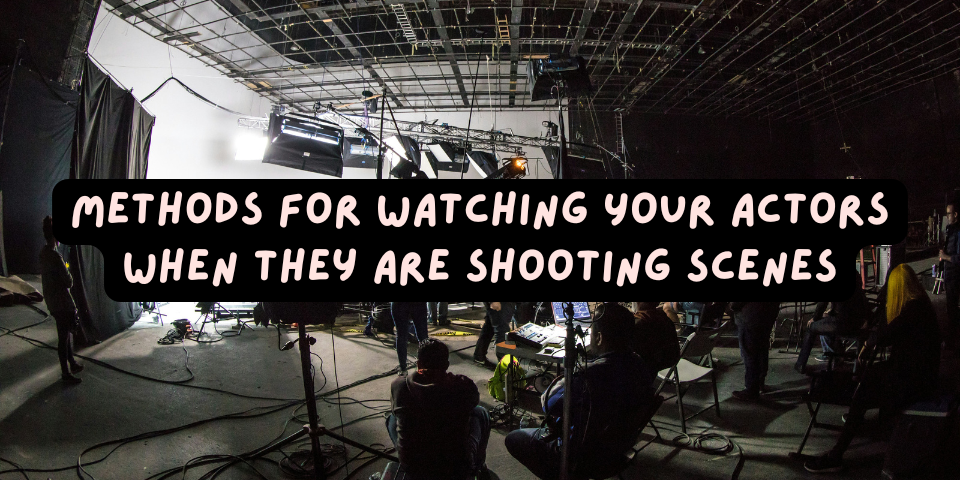
When you are standing in, you are expected to go through the general motions and blocking of your actor in a particular scene.
But when shooting a scene, your actor’s motions and blocking may change. Where some stand-ins “mess up” is that they don’t follow along closely enough with the shooting.
Sometimes this is in immaterial ways that don’t affect how the scene is shot. But other times, a change in an actor’s motions or blocking can mean additional camera setups, new angles, or just a different orientation of all the actors in a particular scene.
That is why it is generally advised for stand-ins to watch the monitors that are on set, in order to track what is going on during shooting.
In other words, after an assistant director (AD) says, “Thank you, Second Team!,” that invitation to leave the set does not necessarily mean your work is done until you are called back to set. Rather, when production starts shooting your actor, you probably want to watch what is being shot and how your actor is doing the scene.
But where do you go on set to watch? Here are some places you can consider.
Video Village
Most sets have what might be called “Video Village” or “Producer’s Village.” Here, there are usually a couple monitors set up, some director’s chairs with names on their backs, as well as some of the more important people on the production. There may or may not be a tent above it. It is usually set up mostly by the props department, except for the monitors.
At Video Village, you may find seated the script supervisor, the director, the writer(s), producer(s), and VIPs. You may find a production assistant (PA) hovering around it. These people tend to focus on the monitors when scenes are being shot.
As a stand-in, Video Village is usually a great place to watch the scenes and various takes. It is also a good place to get to know if production is about to move on or is continuing shooting a scene.
If you do watch from Video Village, it would be wise to hang back a bit when watching — avoid getting too close. These monitors are for the important people sitting there, not for you, so think of yourself as just taking advantage of being able to watch things from that setup.
The Sound Cart
Just off set, there is usually someone in the sound department that sits at a sound cart. Typically, this is a setup with a small tower of antennae and sound equipment, notably with some sliders for gaining up and down the microphones.
A sound cart will typically have some small monitors that are good for watching various takes. The sound cart is a great way to see what’s shooting, especially if it doesn’t feel right to watch from Video Village.
If you watch from the sound cart, stand back a little bit, and also keep quiet. The person there is listening to the take’s sound, so any speaking may make it hard for that person to work.
The DP’s Monitors
Usually the director of photography (DP) will have monitors, and this can also be a decent way for stand-ins to watch the action.
As is generally good advice, hang back a little when watching from the DP’s monitors.
As a strategy, things can get trickier when shooting outside, because the DP’s monitors will often be inside a sealed or closed-off tent, so that the outside light doesn’t poison the DP’s perception of the image. When the DP’s tent closes, you won’t be able to see what’s going on.
HMU Monitors
On some sets, monitors will be set up for professionals in hair and makeup, as well as wardrobe, to watch the action.
These days, individual iPads tend to do the trick, so each of these people may be carrying or set up their own iPads showing what’s going on.
Watching what HMU or wardrobe sees on their iPads, or from their monitors, may be a good strategy for watching the action.
Apps
Arguably, the best way to watch the action is via your smartphone. Many sets subscribe to apps such as Qtake to stream what is being shot over wifi.
In order to watch using these apps, usually someone on set has to give your smartphone permission. If you don’t know the path for getting that permission, usually a background PA or a second second AD, if not another crew member, can guide you to the person on set for doling out permissions.
If you see someone sitting at a monitor who looks responsible for video and playback, this may be the person. Simply politely ask if you can “get on Qtake” or whatever app is used, and that person should know what you’re talking about.
There tends to be a limited amount of people who can be using these apps at a time, so don’t be too surprised if you are politely rejected when you ask to get on Qtake, etc. If that happens, you can try again by asking on another date (in case you were rejected because the person didn’t know you), by seeking permission from an AD who might authorize your getting on Qtake, or just by watching the monitors mentioned above. But if you are a regular stand-in on a job, there is usually a good argument for your getting permission to be on a streaming app.
These apps will use up your smartphone battery some, and switching from your normal smartphone apps back and forth to the monitors may be a little annoying. If you find that to be the case, simply watch from the monitors. That way you can spend your precious battery life on your own activities!
Conclusion
As you can tell, there are a number of places on most sets where you can watch what your actor is doing while shooting.
If you regard yourself as a “pro” stand-in, you really aid production and stand out to them when you know what has gone on while shooting a scene, compared to the stand-in who is clueless about any changes.
Our advice is to watch the monitors rather than zone out. When you do this, it would not be a surprise if you see you end up with a great reputation and more stand-in work to follow!
Can you think of other places or means for following what is being shot when you are standing in? Post your ideas in the comments box below.
Discover more from Stand-In Central
Subscribe to get the latest posts sent to your email.




Leave A Comment